Power recliner remotes: Which one controls HaloShort?
A power recliner may have its own controller alongside the TV remote and an Android box remote. It's easy to reach for the wrong one when you want to move the backrest or pause a show. Before watching HaloShort, check which remote controls each device.
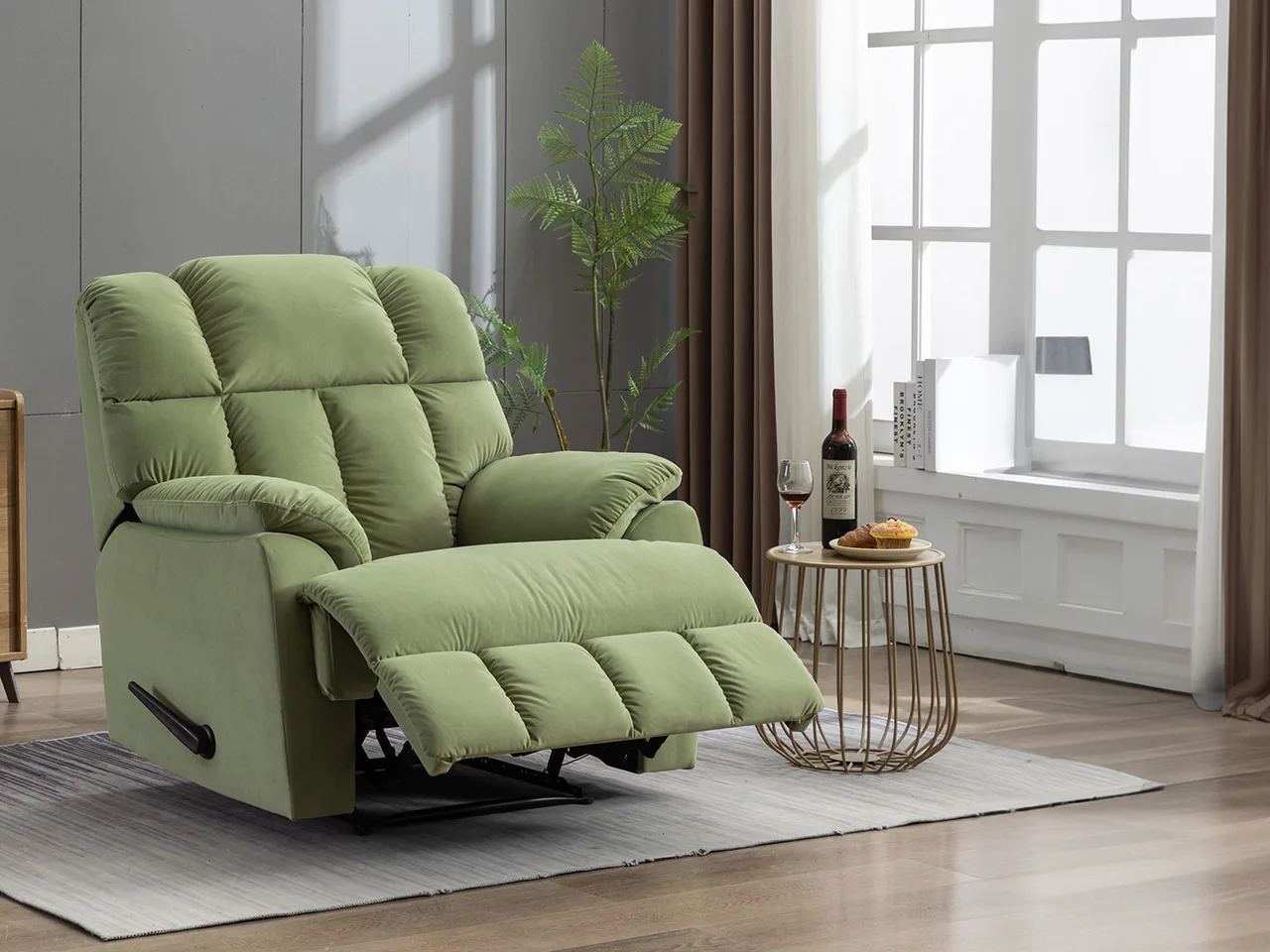
How the sofa moves follows the sofa's own instructions
The controls for the power backrest, footrest, or headrest vary by model—some are on the side, some have a separate controller. Just follow the instructions for your own sofa, and don't assume from the name "power recliner" that every model has the same set of buttons.
Those controls handle the seat's movement, while HaloShort playback lives in the TV device. The two sides won't link up just because both can be controlled remotely. Keeping frequently used controls where you can easily tell them apart saves more steps than guessing by shape which one does what.
Is the app installed in the TV, or in a box?
HaloShort is an Android TV short drama app. If it runs in the TV, enter it the way you operate the TV; if it runs in an external box, first figure out how the box and the TV are each controlled. Direction, confirm, and back are for navigation, and you'll need to find the pause entry once in the actual playback screen.
To get the app, you can search HaloShort in the Emotn store and check the compatibility requirements for Android TV, Google TV, or the corresponding Android device. A brand name doesn't stand in for a specific system, and a chair having a USB port doesn't mean it can run TV apps.
Once you're settled in, pick tonight's story
HaloShort's current content is free to watch, and you don't need to turn your living room entertainment into a complicated project first. Pick something that interests you, confirm the subtitles for this episode, then see whether you want to keep going. Currently free is the present state, not a guarantee about future pricing arrangements.
Pause first when you need to get up or adjust the sofa; if you want a breather after an episode ends, you can turn off autoplay next. Which action to choose depends on what the TV is doing—it has no automatic correspondence to what angle the sofa is at.
Can the sofa and the TV be treated as ending at the same time?
Don't assume the two will stop together. The sofa's functions run on their own controls, and TV content has to be paused or ended according to its actual playback state—just confirm each separately.